
Inspection Software vs. Spreadsheets
The Real Cost Comparison for QA Teams
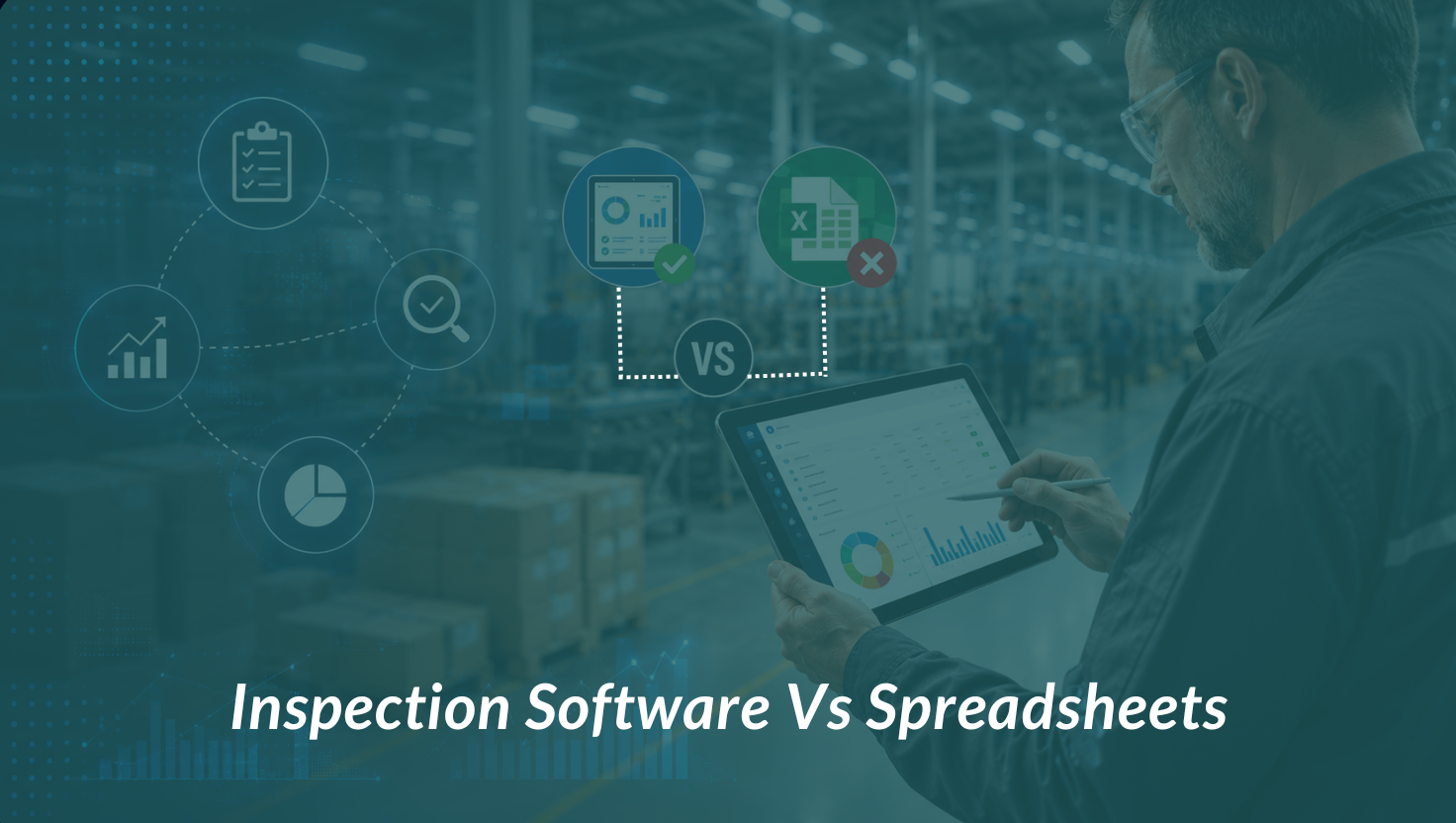
If your quality team is still running inspections on Excel, you are not alone. Across handicraft exporters in Moradabad, furniture manufacturers in Jodhpur, and leather goods producers in Agra, spreadsheets remain the default tool for tracking defects, recording checklist results, and generating pre-shipment inspection reports.
They are free, familiar, and flexible. So why are hundreds of QA managers switching to dedicated Quality inspection management software?
This post breaks down the real cost comparison — not just in software licensing fees, but in time, errors, rework, and lost orders. If you manage quality control for a manufacturing or export business, read this before your next inspection cycle.
Key takeaway: The hidden costs of spreadsheet-based QA — rework, delays, version conflicts, and missed defects — far exceed the cost of purpose-built inspection software.
1. The Spreadsheet Trap: Why It Works Until It Doesn’t
Spreadsheets earn their place in early-stage businesses. A small team, a handful of suppliers, and a predictable product range — in that environment, a well-maintained Excel file can genuinely work.
The problems start when the business grows:
- A second inspector joins and immediately creates a parallel version of the master file
- A buyer requests a specific defect classification format your sheet wasn’t built for
- A factory has no internet, so the inspector fills in a paper form — then someone back at the office re-enters it manually
- You need to compare defect rates across five suppliers over six months — and realise the data is split across 23 different files
None of these are hypothetical. They are the exact friction points that manufacturers describe before switching to LookOver.
“The issue is not that spreadsheets are bad tools. It is that they were designed for data analysis, not inspection workflows. Using them for QA is like using a kitchen knife to perform surgery. Technically possible. Not the right tool.”
2. The Real Costs of Spreadsheet-Based QA
The average QA inspector spends 45–90 minutes per inspection just on data entry — filling in the checklist, transferring results to the master sheet, writing up defects, and generating a PDF report for the buyer.
With inspection software, the checklist is on the inspector’s phone. Defects are logged with photos at the moment of discovery. The report is auto-generated on submission. That same inspection takes 15–20 minutes of documentation time.
At 10 inspections a week, that is roughly 8–12 hours saved per inspector, per week — time that goes back into actual quality work.
Manual data entry introduces errors. A mistyped measurement, a wrong defect code, a formula that breaks when a new row is added — these are not edge cases. They happen on every team that runs QA through spreadsheets for more than a few months.
The downstream cost of a single data entry error can be significant: a shipment cleared based on incorrect defect counts, a compliance report filed with wrong figures, or a buyer dispute that could have been avoided with accurate records.
With spreadsheets, you know your quality status when someone updates the sheet. If the inspector is on-site and hasn’t synced yet, you are operating blind. If you want to check whether today’s inspection is on track, you call or message the inspector and wait.
Inspection software gives you a live dashboard. Every defect logged on the factory floor appears in your management view in real time. You can intervene before a batch ships, not after a complaint arrives.
When a buyer or auditor asks for your inspection history, what do you hand them? A folder of Excel files, organised by date, with no way to verify they haven’t been edited after the fact?
A proper inspection management system stores every record with timestamps, inspector identity, GPS location, and photo evidence — tamper-proof and instantly retrievable. That is the difference between passing and failing a third-party compliance audit.
3. Side-by-Side Comparison
| Feature | LookOver | Spreadsheets |
|---|---|---|
| Setup time | Minutes — cloud-based | Days of building sheets |
| Real-time visibility | Live dashboards, anywhere | Manual update required |
| Offline inspections | Full offline + auto-sync | Not possible |
| Custom checklists | Drag-and-drop builder | Tedious formula work |
| Photo evidence | Captured in-app instantly | Attached manually, error-prone |
| Report generation | Auto PDF on completion | Built manually each time |
| Multi-user access | Role-based, simultaneous | Version conflicts guaranteed |
| Audit trail | Automatic & tamper-proof | Editable, no history |
| Scalability | Unlimited inspectors & sites | Breaks beyond ~5 users |
| Compliance readiness | Built-in standards support | Manual, inconsistent |
4. What Changes When You Switch
The transition from spreadsheets to inspection software is not just a technology upgrade. It changes how your entire quality operation runs.
Inspectors stop being data entry clerks
When the checklist, photo capture, and report generation are all handled by the app, your inspectors spend their time on what matters: actually looking at the product. Defect rates go down because inspectors are more focused, not because standards have changed.
Management gets a real-time quality picture
Instead of waiting for end-of-day reports, quality managers can see live inspection progress, flag issues immediately, and make decisions before a shipment leaves the factory. This is especially valuable for businesses with multiple factories or third-party inspection agencies.
Buyers get consistent, professional reports
A PDF report generated by LookOver looks identical whether it comes from your Gurugram office or a factory in Panipat. Same format, same data structure, same quality standards. Buyers notice this consistency — and it builds trust.
Your data becomes an asset
After six months of structured inspection data, you can identify which supplier has the highest defect rate on which product category. Which factory performs worse in certain months. Which defect types are recurring versus one-off. That intelligence is not available when your data is scattered across spreadsheets.
5. Objections We Hear (And What We Tell Teams)
LookOver offers a free demo tailored to your industry. If you’re in handicraft, furniture, textile, leather, or perfume & essential oils — we’ll show you exactly how the switch works for your product type and supplier network.
The Bottom Line
Spreadsheets are not going to kill your business. But they are almost certainly costing you more than you realise — in hours, errors, missed defects, and the kind of buyer-ready audit trails that win long-term contracts.
Inspection software is not a luxury for large enterprises. It is increasingly a baseline expectation from serious buyers, compliance frameworks, and quality-minded manufacturers who want to compete on something more durable than price.
If you are ready to see what structured, real-time inspection management looks like for your team, LookOver is worth 30 minutes of your time.
Book a free demo at lookover.co.in and see how manufacturers across India and Ireland have replaced their spreadsheets without disrupting their operations.